


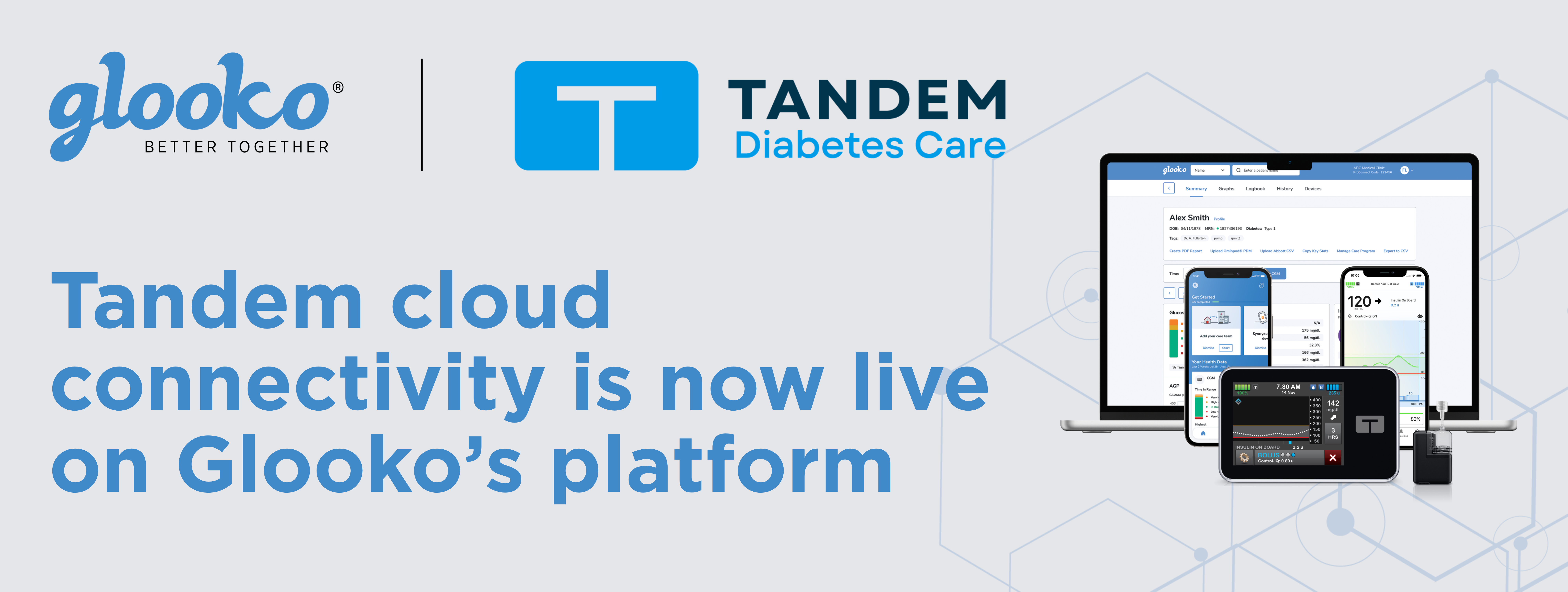
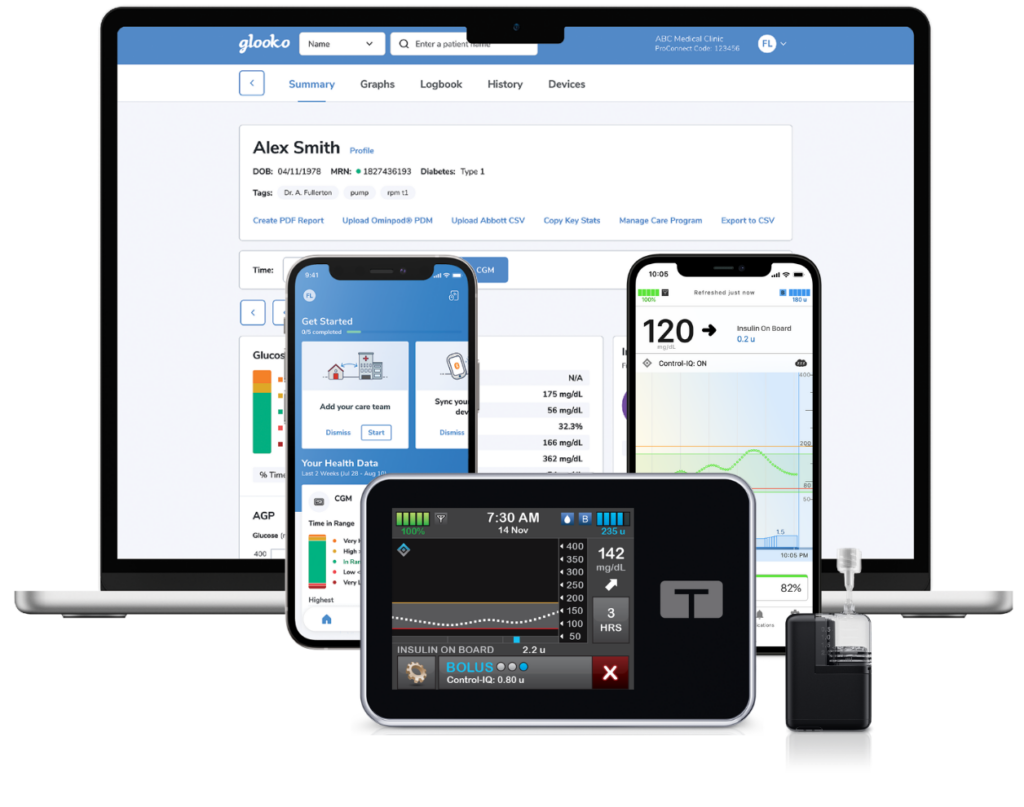
The Glooko diabetes management platform is now cloud-connected with Tandem insulin pumps, giving care teams automatic, continuous access to pump data without manual uploads, cables, or patient intervention. Once a patient links their Tandem Source account, data will synchronize automatically and continuously to the Glooko platform, ready for in-office visits and remote monitoring.
This integration reflects our ongoing commitment to ensure that wherever a patient’s data lives — whichever device they wear, whichever platform stores it — that data flows seamlessly into the platform their care team relies on. Expanding cloud connectivity is central to our mission of bridging the gap between people living with diabetes and their healthcare providers.
Why Cloud-to-Cloud Integration Matters
For people living with diabetes who use an insulin pump, data is only useful if their care team can access it efficiently. Until now, that often meant asking patients to remember to upload their device data before an appointment, or handling that step in the clinic—an extra task that slows down the visit and, in some cases, means arriving without the data at all.
A direct cloud connection eliminates that friction. The Tandem mobile apps upload pump data to the Tandem Source platform approximately once per hour. With this new integration, that data—including basal and bolus deliveries, glucose trends, pump status, alerts and alarms—flows automatically into the Glooko platform without cables or manual steps.
What Automatic Sync Delivers
The core value of this integration is time: time recovered in the exam room, time saved across a busy clinic schedule, and more time for the conversations that matter between a person living with diabetes and their care team.
Key benefits of automatic sync include:
- Continuous data availability. Pump data updates to the Glooko platform approximately every hour, so the record stays current between appointments.
- No patient action required after setup. Once accounts are linked, synchronization happens in the background.
- Complete therapy picture. Basal rates, bolus events, glucose trends, and device alerts are all captured in a single view for a more complete therapeutic picture.
- Consistent data for remote monitoring. Care teams using Glooko’s remote patient monitoring (RPM) workflows can track t:slim X2 insulin pump and Tandem Mobi* system users without waiting for an in-person visit enabling timely, proactive care from anywhere.
Streamlined Workflows for Diabetes Care
For care teams managing insulin pump users, pre-populated data before the patient arrives changes an appointment. Clinicians can review recent trends, flag periods of hyperglycemia or hypoglycemia, work on pre-charting, and formulate questions before the patient walks through the door.
Glooko’s clinic dashboard surfaces population-level insights alongside individual patient records. With TIDE metrics and CGM Patient Risk Stratification built into the platform, care teams can prioritize outreach to patients who need it most, including those using the t:slim X2 pump or Tandem Mobi, whose automated insulin delivery data is now part of the same integrated view.
For clinics using EHR integrations, Tandem pump data joined to the Glooko record is accessible across platforms including Epic, Oracle Health, MEDITECH, Greenway Health, eClinicalWorks, NextGen, and Athenahealth. This ensures documentation is in sync without the need for duplicate entries.

Completing Connectivity Across Advanced Device Therapy
The Glooko platform is now cloud-connected to the major manufacturers whose devices define advanced diabetes therapy for most people on CGMs and insulin pumps today: Abbott (FreeStyle Libre), Dexcom (G6 and G7), Insulet (Omnipod 5), and now Tandem (t:slim X2 and Tandem Mobi).
Together, these four platforms cover the dominant CGM systems and the insulin delivery systems for people on hybrid closed loop and advanced therapy. Now the vast majority of people living with diabetes on advanced device therapy can have their data flow automatically into their care team’s workflow, without manual steps and without relying on manual uploads.
Getting Started with the Tandem Cloud Connection
Setting up the Tandem cloud connection requires a one-time account-linking step from the patient side. Once complete, data synchronization begins automatically and continues without additional steps.
For step-by-step setup instructions, visit our Support Center.
*The Tandem Mobi system is not available in all regions.