


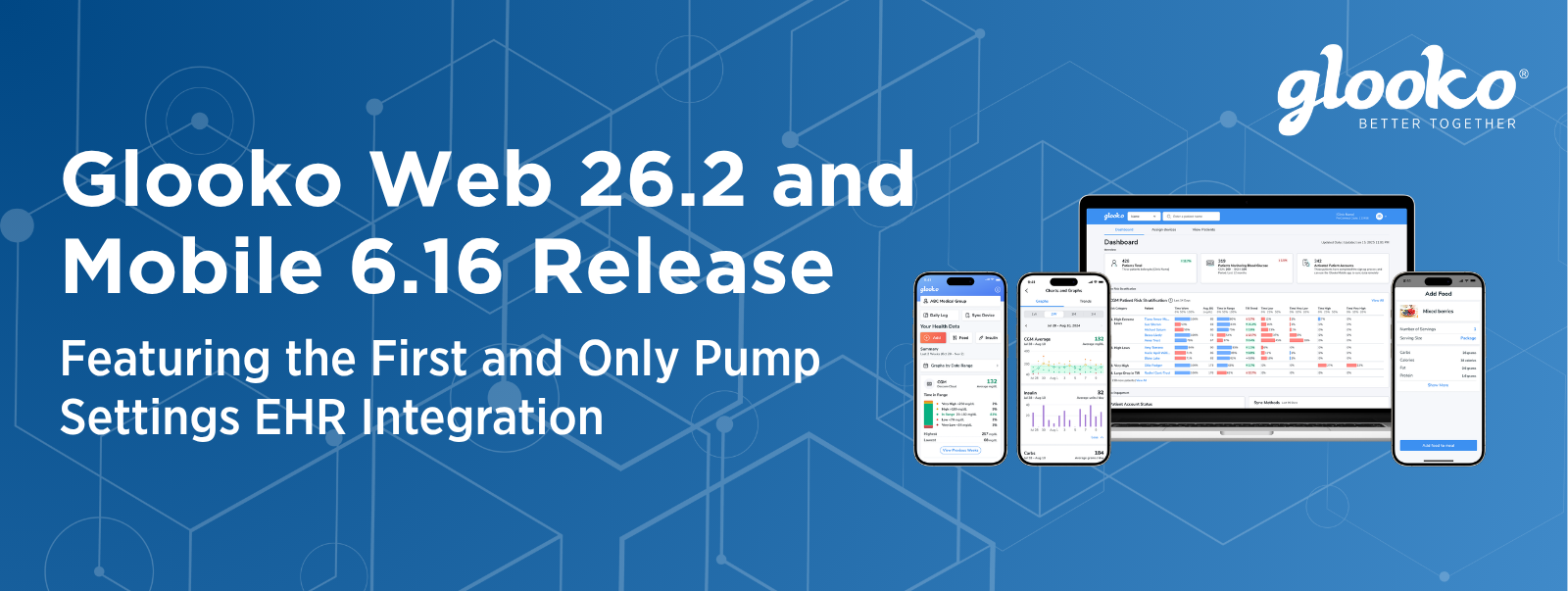
We are excited to share the latest updates included in Glooko Web 26.2 and Glooko Mobile 6.16. This release is designed to help care teams reduce documentation burden, surface richer patient context at the point of care, and support more efficient diabetes management workflows across the Glooko platform.
The headline update is Glooko’s new Pump Settings EHR Integration, which brings critical insulin pump configuration data directly into EHR flowsheets so clinicians can review and document key therapy context in the workflow they already use, depending on EHR configuration.
Pump Settings Integrated Directly Into the EHR
For clinics caring for people with diabetes on insulin pump therapy, pump settings provide essential clinical context. Basal schedules, insulin-to-carbohydrate ratios, insulin sensitivity factors, blood glucose target ranges, closed-loop status, and active insulin time help care teams understand how insulin is being delivered and whether therapy adjustments may be needed.
Historically, much of this information has lived outside the EHR in device portals, PDFs, or screenshots, requiring clinicians and staff to switch systems and manually transcribe data into visit notes. Glooko’s Pump Settings EHR Integration is designed to replace that fragmented workflow with structured, discrete pump settings data in EHR flowsheets that can be pulled into clinical documentation using SmartText-style workflows.
This is one of Glooko’s most important workflow updates to date because pump settings influence every insulin dose delivered by a pump. Bringing that data into the EHR helps reduce reliance on stale screenshots, manual transcription, and disconnected portals when clinicians are reviewing therapy context during or after a visit.
Key benefits include:
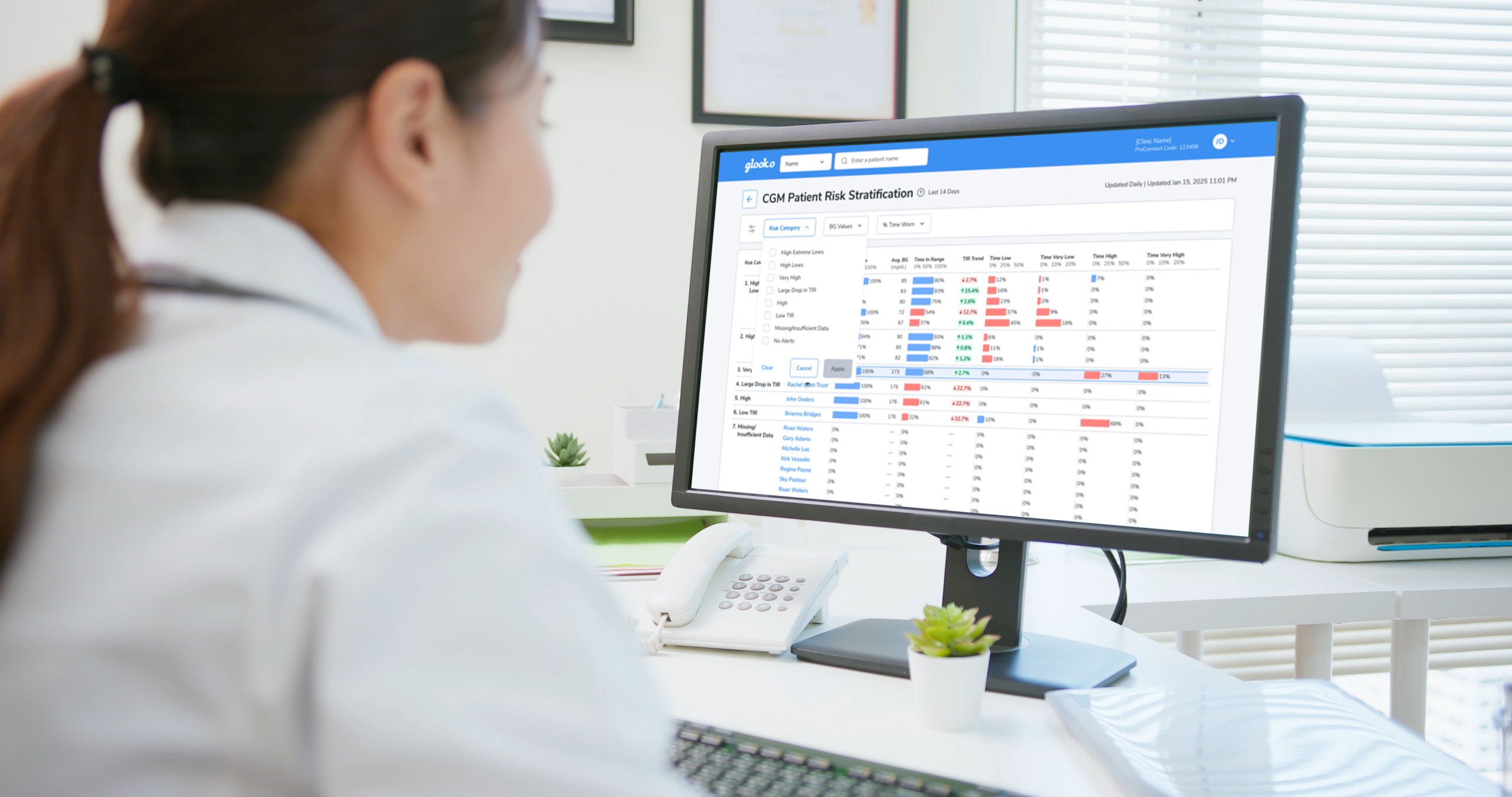
- Actionable discrete data: Pump profile settings can be transmitted into EHR flowsheets as structured information rather than static PDFs.
- SmartText-style documentation: Depending on EHR configuration, clinicians can pull precise pump settings from flowsheets into patient notes more efficiently.
- Device-agnostic context: Glooko helps normalize pump data across manufacturers so care teams can use a more consistent workflow across different devices.
- Reduced documentation burden: Less manual transcription and less portal switching can help clinicians spend more time on counseling, shared decision-making, and care planning.
- A more complete view: Pump settings can be reviewed alongside glucose data and the patient note to support more informed insulin pump therapy discussions.
Efficiency Redefined: The New Patient Summary
The Glooko Web App patient summary experience has been enhanced to show more patient context directly on the profile page, helping providers evaluate performance at a glance and decide whether a deeper review is needed.
Updates include:
- Enhanced Summary Cards: Immediate visibility into diet macro breakdowns, activity sources, weight trends, and new BMI metrics.
- Instant Deep Dive: Direct links from each summary card to the corresponding detailed view, helping accelerate clinical review.
- Unified Medication View: A new medication card that visualizes recent medication logs from the Glooko Mobile App directly within the care dashboard.
Glooko Web 26.2 also introduces new tools that make it easier for care teams to organize, filter, and export patient population data. These updates are designed to help clinicians and care managers navigate populations with greater flexibility and less cognitive load.
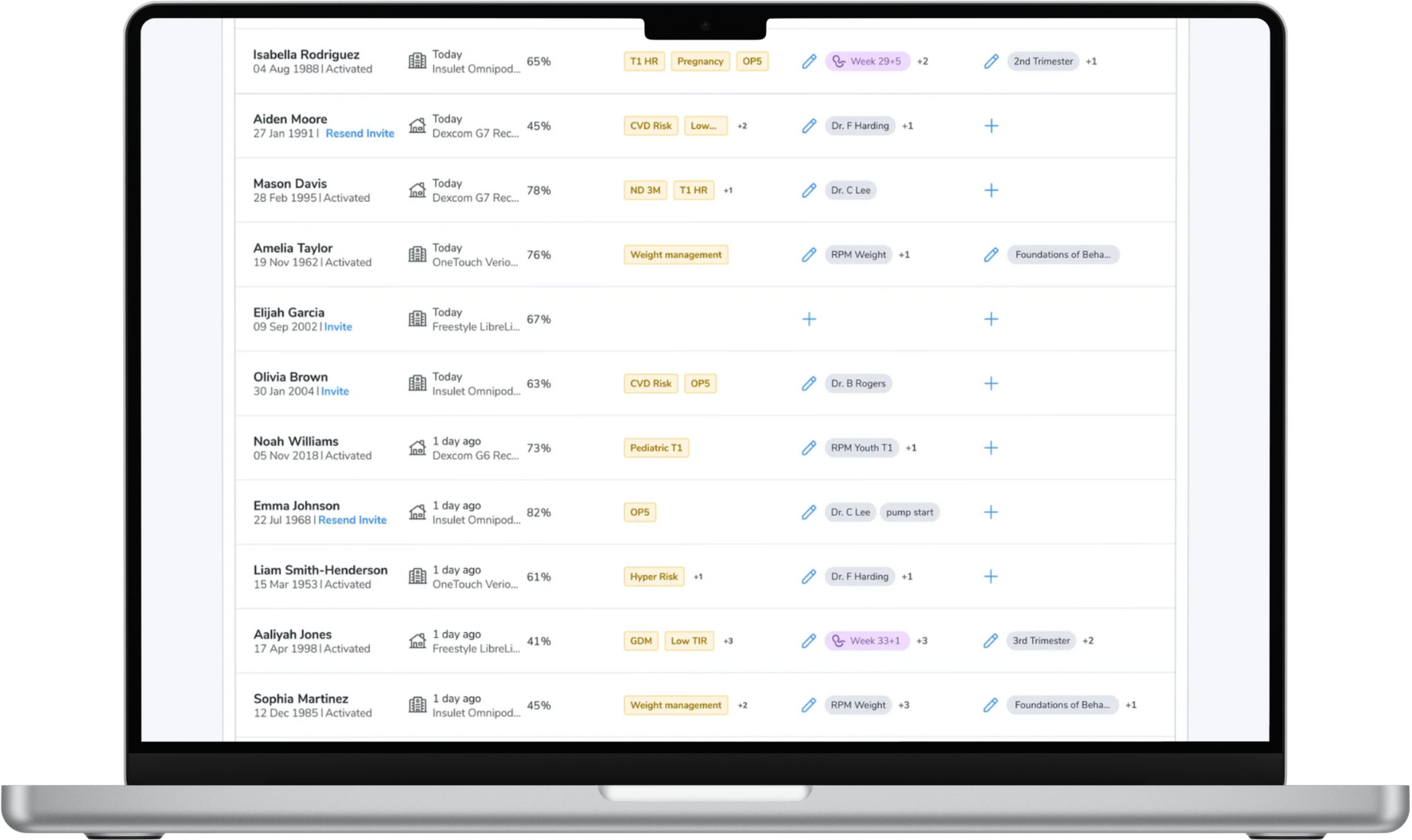
- Smart Cohorts*: Group patients by risk level, device, or glucose values. New cohort columns and profile flags help keep population context visible at a glance.
- Dynamic Filtering: A completely overhauled filtering experience designed to help care teams navigate patient populations with ease, including quick access to cohort and tag filters.
- Population Data Export*: Export patient population data for population review or billing workflows.
*Smart Cohorts and Population Data Export are available only for certain paid subscriptions. Reach out to your Glooko Customer Success Manager, Territory Manager, or [email protected] with questions or to upgrade your subscription
More Intuitive Manual Data Tracking in the Glooko Mobile App
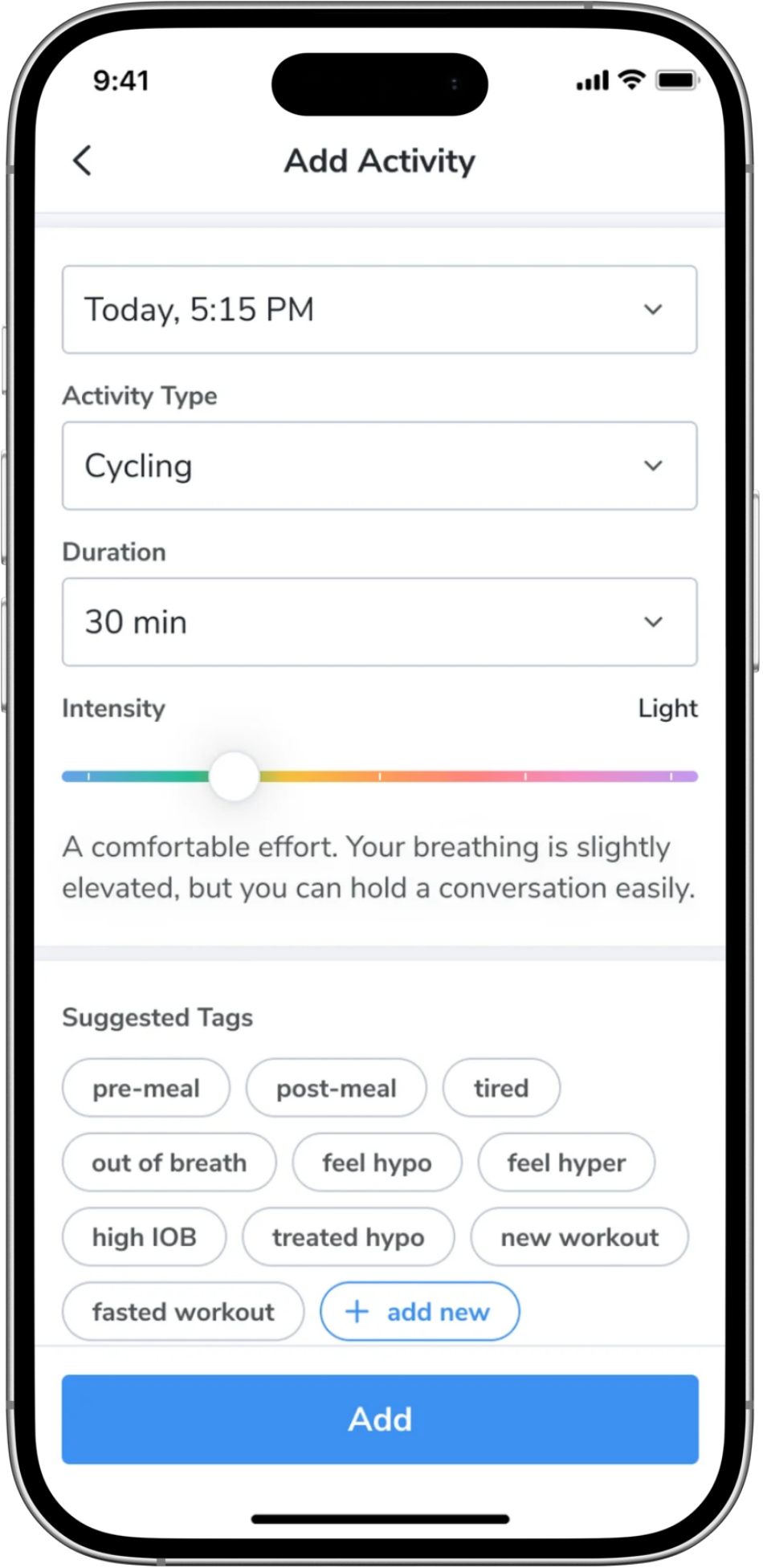
More intuitive manual tagging is now available in the Glooko Mobile App, helping people living with diabetes add more precise context for better quality visits. Manual inputs such as blood pressure, activity, weight, and notes can now be tagged more easily, and a new activity intensity slider helps people log movement with a simple swipe.
These data points can appear throughout the mobile app experience, including daily logs, helping care teams see more of the story behind the numbers between visits.
Device Compatibility Updates
Mobile 6.16 also includes new CGM compatibility updates, including AgaMatrix ALLY in the UK and i-SENS CareSens Air in EMEA. For complete compatibility details, regional availability, and device support updates, visit the Glooko Support Center.
More Information on the Latest Glooko Release
To learn more about these updates, check out the full release notes on our Support Center, read the Pump Settings EHR Integration announcement, or reach out to your dedicated Glooko Customer Success Manager or [email protected].
Availability may vary by EHR configuration, device compatibility, subscription, and market. All therapy decisions should be made by healthcare professionals using their clinical judgment and available patient information.